API tokens (SCIM)
API tokens are used to authenticate and authorize API calls to TrustBuilder.
Currently, only API tokens for SCIM provisioning can be generated from the Admin Portal.

Currently, only API tokens for SCIM provisioning can be generated
Generate an API token
To generate an API token:
Go to Settings > API tokens.
Click on Generate token.
Enter a name for the API token.
This is displayed in the API token list.(Optional) Enter a description.
Define an expiration date.
The maximum validity period is 1 year.Select the scope:
SCIM → for SCIM provisioning (See SCIM)
Click Generate token.
The API token is displayed. Copy it, as it will not be shown again.
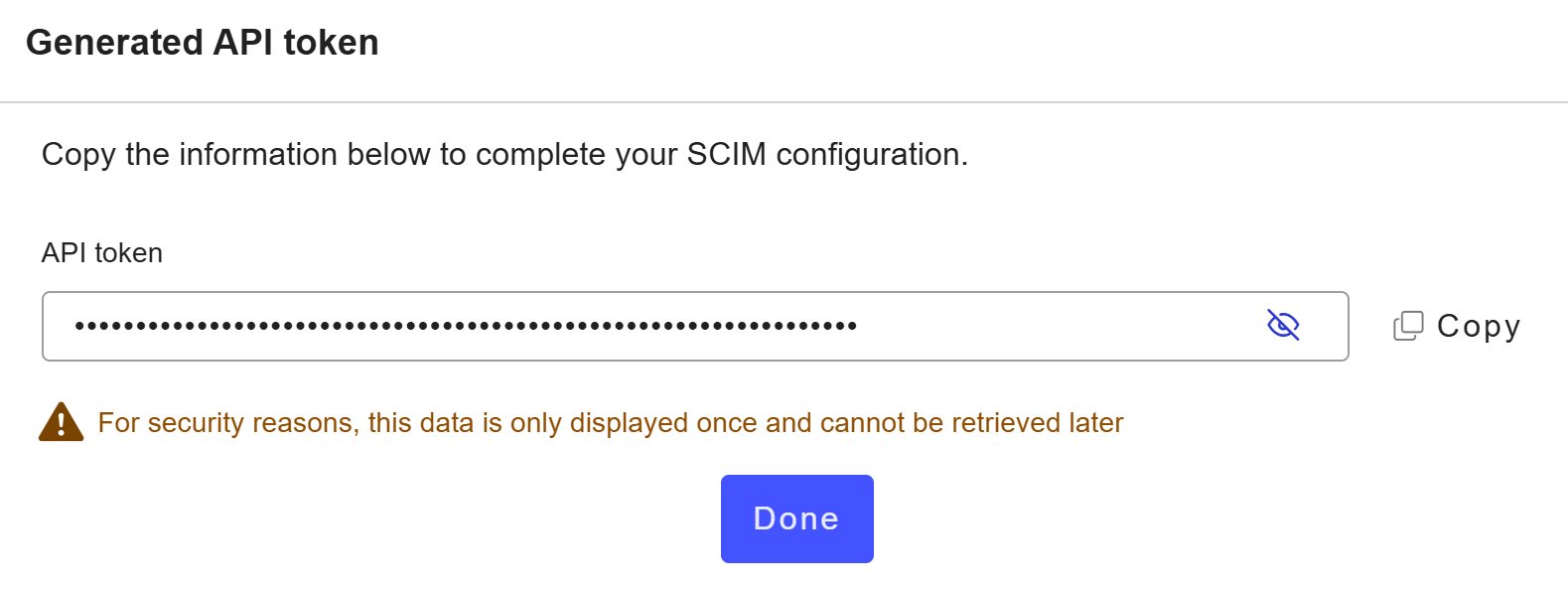
The API token is appears Active in the list.
Revoke an API token
Revoking an API token immediately invalidates it and prevents any further use.
Go to Settings > API tokens.
Click Revoke for the API token to make invalid.
On the confirmation pop-up, click Revoke to validate your choice.
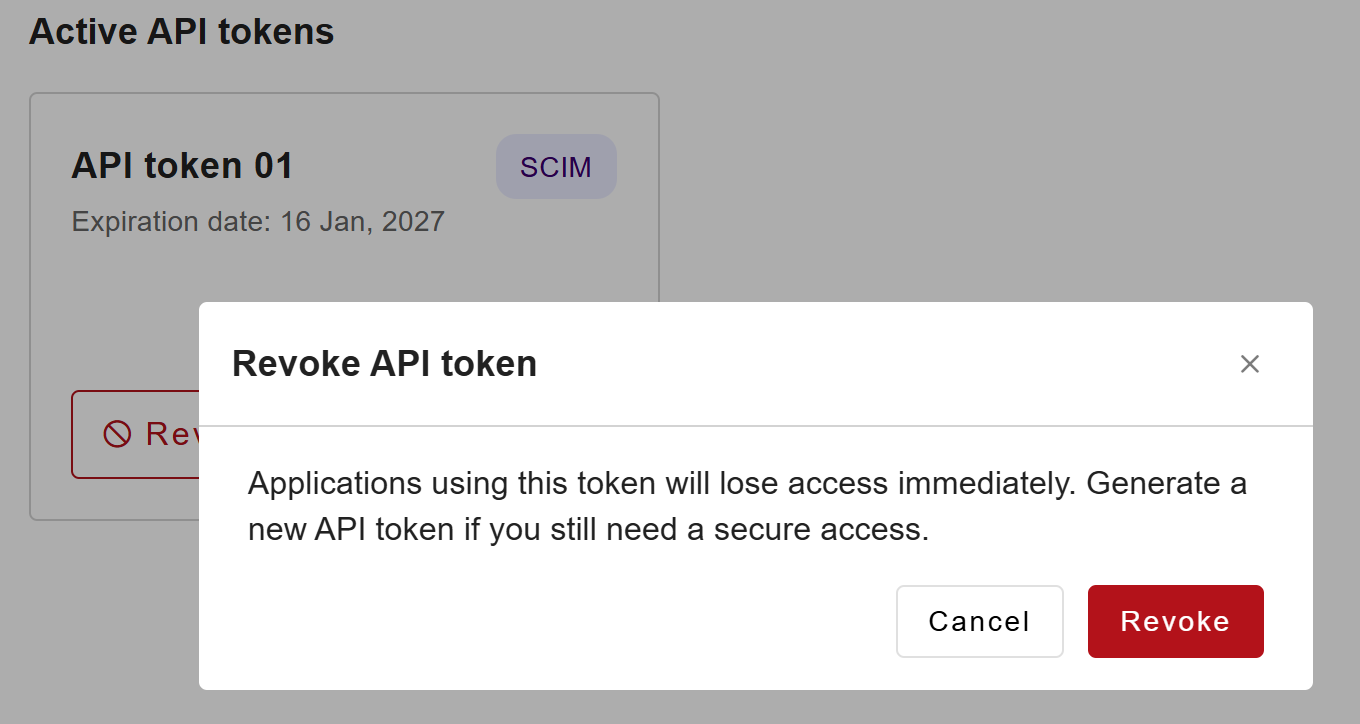
The API token is revoked. Once revoked, the token can no longer be used and no longer appears in the list.
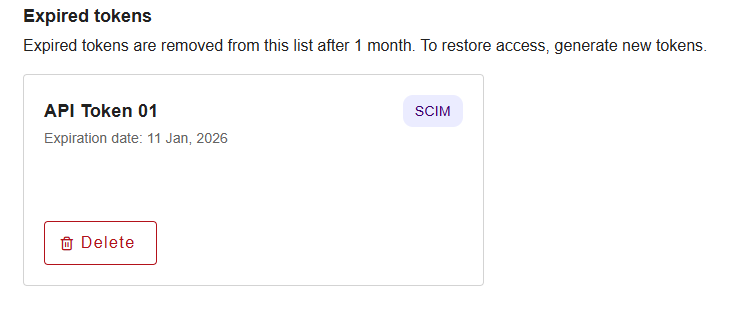
Expired API tokens
Once an API token has expired, you can:
Manually delete it to clean up the interface
Leave it as is and let it be automatically deleted after 30 days
No action is required by default.