Logs
Logs provide administrators with an history of events within the platform.
To access logs:
Go to Monitoring.
Choose the type of logs you want to inspect:
Users logs → user-related activities.
Audit logs → allow to filter audit logs by Entity Type in order to audit configuration operations
Click on any log entry to open the event details panel:
Information | Description |
|---|---|
General | |
Date & time | The exact timestamp when the event occurred. |
Operation | The action that was performed. |
Target | The entity or resource involved in the operation. |
Category | The type of resource concerned by the event (USER, CERTIFICATE, APPLICATION,MFA_SECRET_CODE,FIDO_KEY, …). |
Performed by | The user or system that performed the action.
|
Status | The result of the operation (success or failed). |
Information | Additional descriptive details about the operation (e.g., what changed, business context). |
Correlation ID | A unique identifier used to trace and group related events. It allows to trace the complete sequence of operations (for example, all steps of a user authentication). |
Workflow Instance ID | This parameter is not used. It is for future use. |
Error Information | |
Error message | An error message if the operation failed. |
Error code | The reason code of the error. |
Application | |
ID | The unique identifier of the application to be accessed. |
Type | The type of application to be accessed (e.g: OIDC, OAUTH, SAML,…). |
FIDO Key | |
ID | The unique identifier of the FIDO key registered for the user. |
Model (AAGUID) | The Authenticator Attestation GUID an identifier assigned to each key model. |
Model name | The human-readable name of the authenticator model. |
User verification Method | A FIDO2-specific parameter that describes how the authenticator verifies user presence or identity (fingerprint, PIN, biometric, or none). |
Authenticator Attachment | A FIDO2-specific parameter that specifies how the authenticator is connected to the user’s device (platform or cross-platform). |
Authenticator Transport | A FIDO2-specific parameter that describes the communication method used between the authenticator and the client device (usb, nfc, ble, internal: built-in platform authenticator). |
Context | |
User Agent | Information about the client application, browser or device used during the operation. |
IP Address | The source IP address from which the request originated. |
Request URL | The endpoint or URL that triggered the event. |
Performed Type | Indicates whether the event was triggered by:
|
Secure Token | |
Type | The type of secure token involved. |
Library version | The version of the internal library used in the secure token. This information could be useful for troubleshooting. |
Alias | The alias of the secure token involved. |

Filters
By user
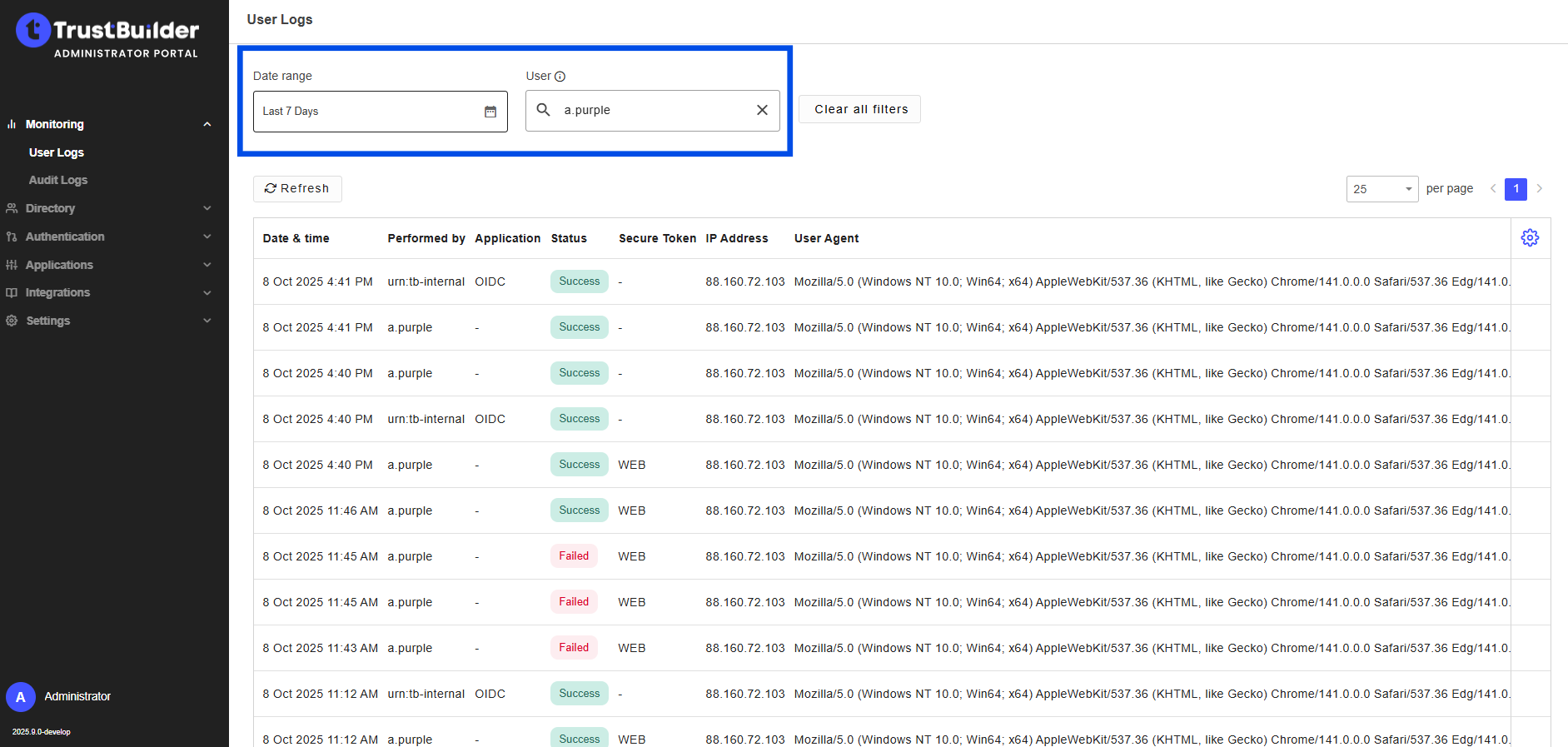
You can filter User Logs by all actions related to a specific user within a defined time period.
Select a Date Range.
Enter a Username.

The username must be entered exactly as it is registered in the system.
The search is not case-sensitive but any typo will return no results.
By Entity type and Operations
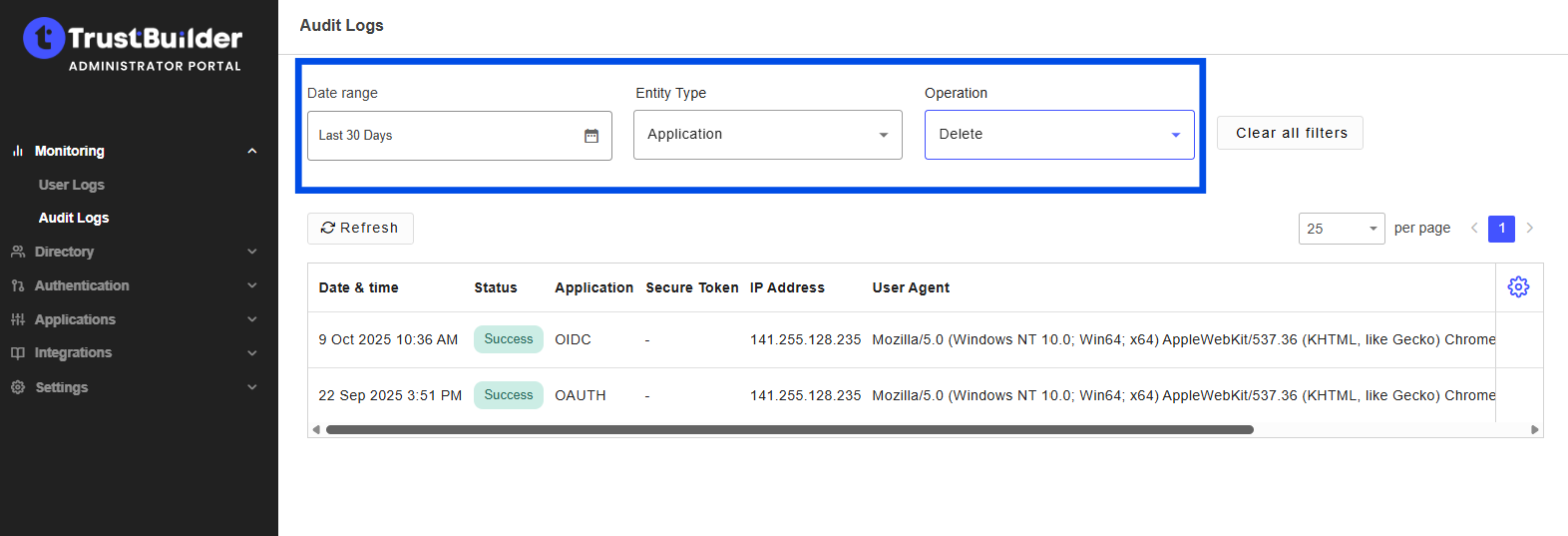
You can filter Audit Logs by operation on a specific entity type within a defined time range.
Select a Date Range.
Select an Entity type and an Operation.