
Authorization policies
In TrustBuilder, an Authorization Policy is a set of Authorization Rules that define the conditions under which a user can access a resource or an application. A combining algorithm determines how the results of these rules are evaluated to either grant or deny access.
This mechanism interprets the XACML (eXtensible Access Control Markup Language) standard, ensuring that authorization decisions are handled in a consistent and structured way.

DEFAULT POLICIES AND RULES
By default, TrustBuilder includes 3 default policies and 2 default rules:
Default Policies:
admin-portal→ controls access to the TrustBuilder Administration Portal.built-in→ used by default by built-in components.self-service-portal→ controls access to the Self-Service Portal.
Default Rules:
require-admin-persona→ allows access only for users with the admin persona.require-authentication→ requires user to be authenticated at AAL3 level.
Administrators can create their own policies and rules to meet the specific authorization requirements of their organization. They can also update the proposed ones according to their needs.
Create a policy
To create a policy from TrustBuilder Admin portal:
Navigate to Authentication > Authorization Policies.
Click on + Add Policy.
Enter a name for your policy (without spaces and lowercase) and a description.
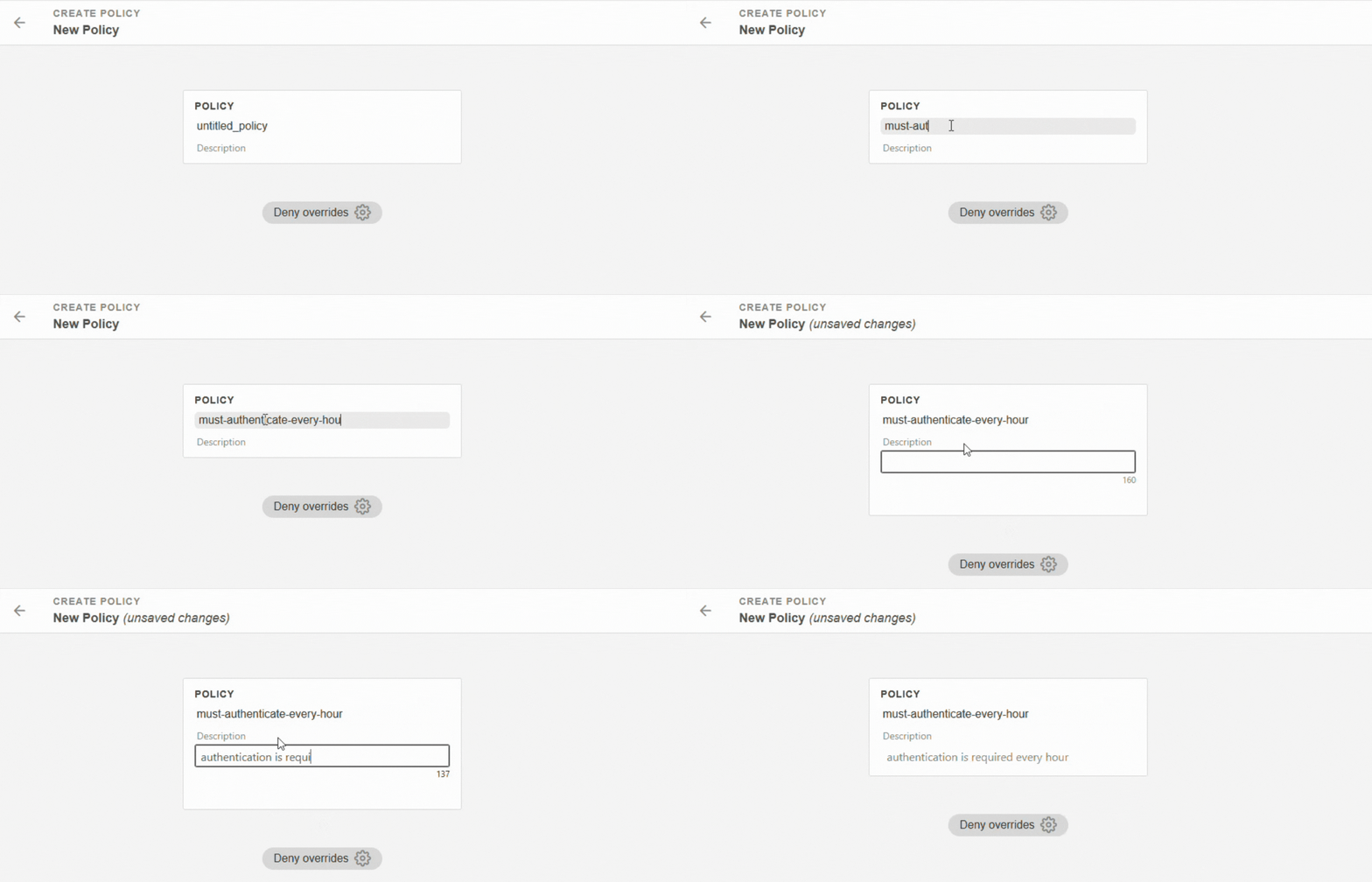
Add one or more rules.
 Rules are evaluated in order: the first rule is checked first, then the second and so on.
If the rule already exists: drag and drop it under the policy.
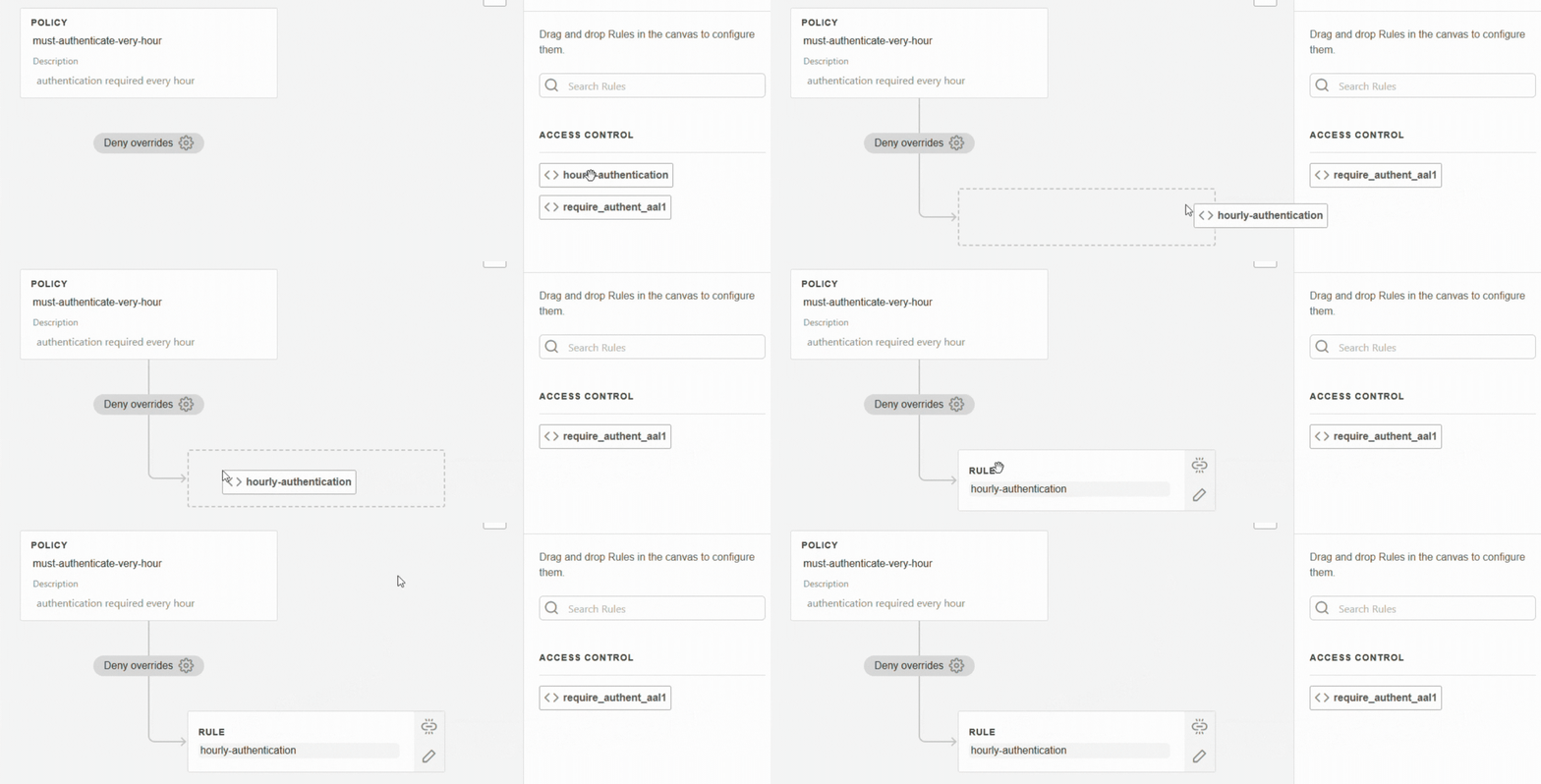
If the rule does not yet exist, click on + Create new rule (see Create a rule).
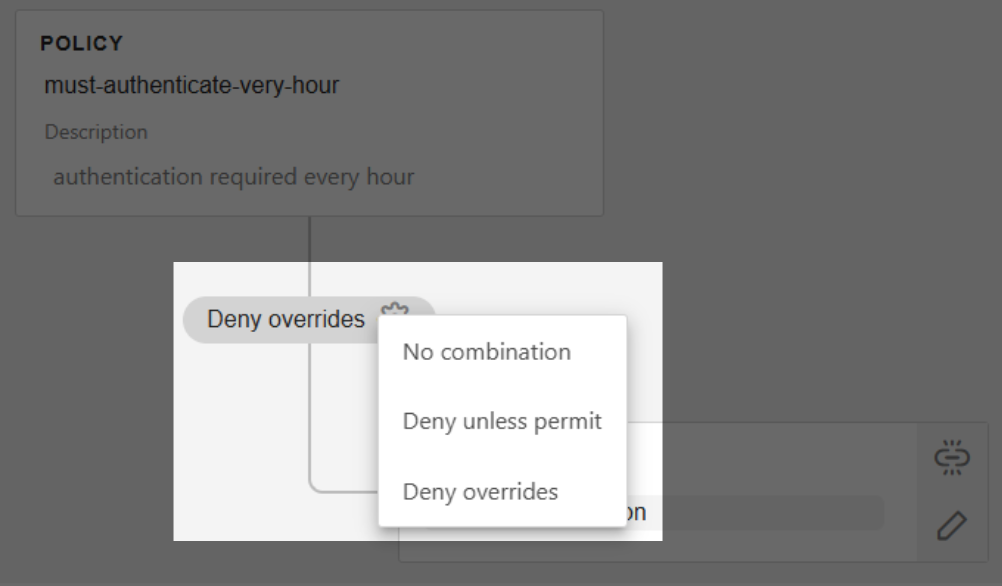
Choose a combination algorithm (see Combination):
Click on Save.
Navigate to Authentication > Authorization Policies.
Click on + Add Policy on the top-right corner.
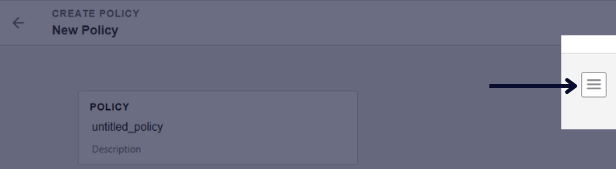
Click on the tree lines icon to switch to JSON view.
Enter the policy attribute values:
CODE{ "name": "policy-name", "description": "Optional description", "rules": ["rule1", "rule2"], "combination": "DENY_OVERRIDES" }Click on Save.
Policy Attributes | ||||||
|---|---|---|---|---|---|---|
NameUnique identifier for the policy String (in lowercase without space) | ||||||
DescriptionShort explanation of the policy String | ||||||
RulesList of rules assigned to the policy Array of rule names
CODE
| ||||||
CombinationHow rules are evaluated together to make the policy decision
|
Policy example
Secure admin access |
CODE
|
Create a rule

CURRENT LIMITATIONS
The graphical rule editor has limitations. Use the JSON view for full capabilities.
To create a rule from TrustBuilder Admin portal:
Navigate to Authentication > Authorization Rules.
Click on + Add Rule.
Click on the tree lines icon to switch to JSON view.
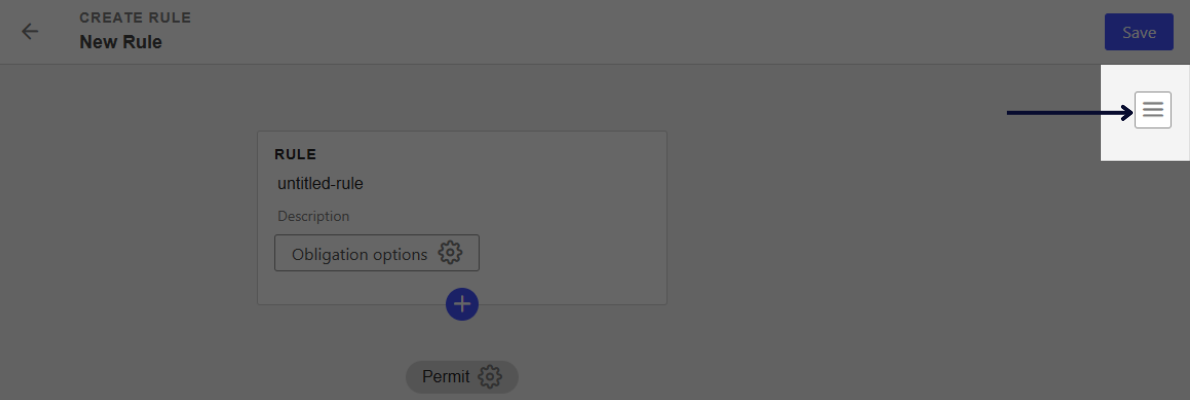
Enter the rule attribute values:
name→ enter a name for your rule (without spaces).description(optional) → enter a description of the rule.effect→"PERMIT"or"DENY"(see Effect below).condition→ enter condition(s) (see Condition below).obligation(optional) → enter an obligation (see Condition below).
Click on Save.
Rule Attributes | ||||||||||||||||||||||||||||||||||||||||||||||||||||||||
|---|---|---|---|---|---|---|---|---|---|---|---|---|---|---|---|---|---|---|---|---|---|---|---|---|---|---|---|---|---|---|---|---|---|---|---|---|---|---|---|---|---|---|---|---|---|---|---|---|---|---|---|---|---|---|---|---|
NameUnique identifier for the rule String (in lowercase without space) | ||||||||||||||||||||||||||||||||||||||||||||||||||||||||
DescriptionShort explanation of the rule (optional) String | ||||||||||||||||||||||||||||||||||||||||||||||||||||||||
EffectThe access decision
| ||||||||||||||||||||||||||||||||||||||||||||||||||||||||
ConditionA set of conditions that must be satisfied in order for the rule to be applied Expressions in a rule condition are constructed as follows: Operators in Conditions
Operands in Conditions Operands are values that define conditions. They can be:
Combining Conditions Use
| ||||||||||||||||||||||||||||||||||||||||||||||||||||||||
ObligationAdditional actions required before granting access (optional)
|
Authentication rule in policy
For a policy to work, it must include at least one rule that allows authentication.
Without authentication, the system cannot identify the user and therefore cannot evaluate conditions based on user attributes, persona or session context.
A typical authentication rule checks whether the user has authenticated with a given authentication level (in our exemple at least AAL1) and enforces this requirement as an obligation:
{
  "name": "require_authent_aal1",
  "effect": "PERMIT",
  "description": "Simple authentication with one factor",
  "condition": {
    "elem_match": [
      "$session.authentications",
      {
        "greater_or_equals": [
          "~acr",
          "AAL1"
        ]
      }
    ]
  },
  "obligation": {
    "requires_at_least_acr": [
      "AAL1"
    ]
  }
}
The
conditionchecks whether the session includes an authentication with at least AAL1 level.The
obligationensures the user must authenticate using at least AAL1.